Why Supabase is Overkill for Your Website (and Most Systems)
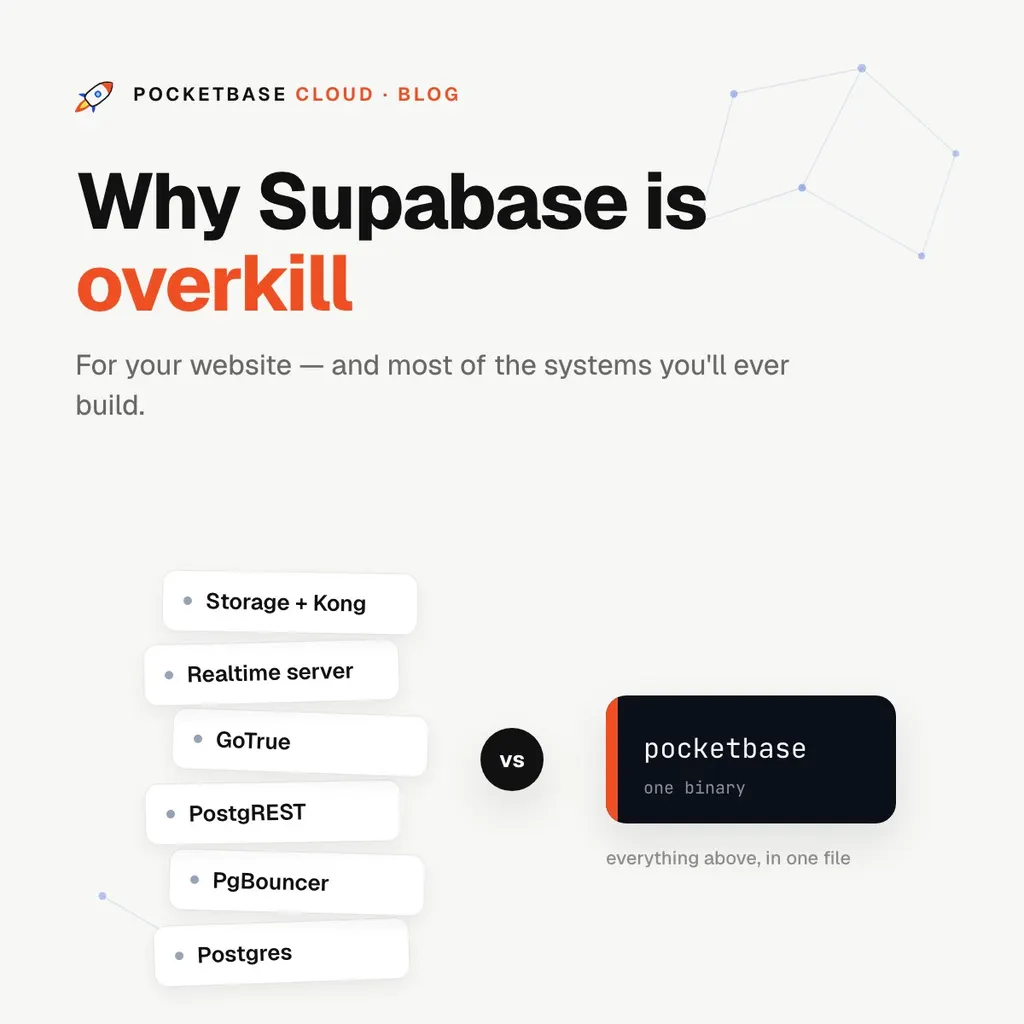
Why Supabase is Overkill for Your Website (and Most Systems)
Let’s get one thing straight first: Supabase is excellent engineering. If you need full PostgreSQL — PostGIS for geospatial queries, pgvector for embeddings, high concurrent write throughput, SAML SSO — it’s a great choice, and we say so plainly in our own comparison docs.
But here’s the uncomfortable question almost nobody asks before reaching for it: does your project actually need any of that?
What you’re actually deploying
Supabase isn’t one thing — it’s a suite of services built around PostgreSQL: the database itself, GoTrue for auth, PostgREST for the API, a separate Realtime server fed by Postgres logical replication, a storage service, and Kong as the API gateway.
That architecture exists for good reasons at scale. But for a website with a contact form, a SaaS dashboard with a few thousand users, or a mobile app backend, you’re operating (or paying someone to operate) a distributed system to serve what is, at heart, CRUD.
Compare the mental models:
| Your typical website needs | Supabase gives you | |
|---|---|---|
| Database | A place to store rows | Full PostgreSQL + connection pooling |
| Auth | Email + Google login | GoTrue, JWT config, SAML options |
| API | Read/write records securely | PostgREST + SQL-based Row Level Security |
| Realtime | “Update the UI when data changes” | Logical replication + WebSocket infrastructure |
| Ops | Set it and forget it | A multi-service stack (or a managed plan sized for it) |
The complexity shows up in your day, not just the diagram
Row Level Security is powerful and easy to get wrong. Policies are SQL statements per table, and a table without policies enabled is exposed through the auto-generated API. Debugging policy interactions across joined tables takes real SQL fluency. PocketBase’s equivalent is a one-line filter expression sitting next to the schema:
@request.auth.id != "" && owner = @request.auth.idLocal development means running the stack. Supabase’s CLI spins up the whole Docker suite on your machine. PocketBase local dev is running the same ~30 MB binary you deploy — same version, same behavior, instant startup.
Every service is a knob. Connection pool sizes, JWT expiry, replication slots — each one is a thing that can be misconfigured and a page of docs to read. Complexity you don’t use isn’t neutral; it’s surface area for mistakes.
“But I might need to scale later”
This is the argument that sells a lot of oversized infrastructure. Two honest answers:
- SQLite goes further than you think. Reads don’t cross a network — the database lives in-process — so a modest server handles thousands of requests per second. Realtime holds 1,000+ concurrent connections on 2 cores and 4 GB RAM. File storage works with local disk or any S3-compatible provider. Most projects never outgrow this.
- The real trade-off is one sentence long. SQLite serializes writes — one writer at a time. If your workload is genuinely write-heavy at high concurrency, you’re in Supabase (or raw Postgres) territory, and you’ll know it from your numbers, not from a hunch.
The pattern we see: teams pick a Postgres suite “to be safe,” then spend their first months fighting policies and tooling instead of shipping. The startup that actually hits SQLite’s write ceiling has a good problem and the revenue to solve it — and their data was a portable SQLite file all along.
The right-sized alternative
PocketBase covers the same core feature set — database, auth with OAuth2, realtime subscriptions, file storage, server-side hooks — in a single binary you can fully understand.
On PocketBase Cloud, that becomes:
- A managed instance provisioned in under a minute, with automatic HTTPS, backups, and monitoring
- JavaScript hooks included on every plan — no per-invocation billing
- The option to deploy a full backend (Node.js, Deno, Bun) next to your instance when you outgrow hooks — something the Postgres suites don’t offer at all
- A free plan, and predictable flat pricing after that
When Supabase is the right call
To be fair to the other side — choose Supabase when:
- You need Postgres extensions: PostGIS, pgvector, full-text tuning
- Your write concurrency is genuinely high
- Your team already lives in the Postgres ecosystem
- You need built-in presence/broadcast channels or SAML SSO
If none of those describe your project, you’re not choosing between “the scalable one” and “the small one.” You’re choosing between a distributed system you’ll maintain and a single process that does the same job. Pick the tool sized for the problem you actually have.