What is PocketBase? The Single-File Backend Explained
What is PocketBase?
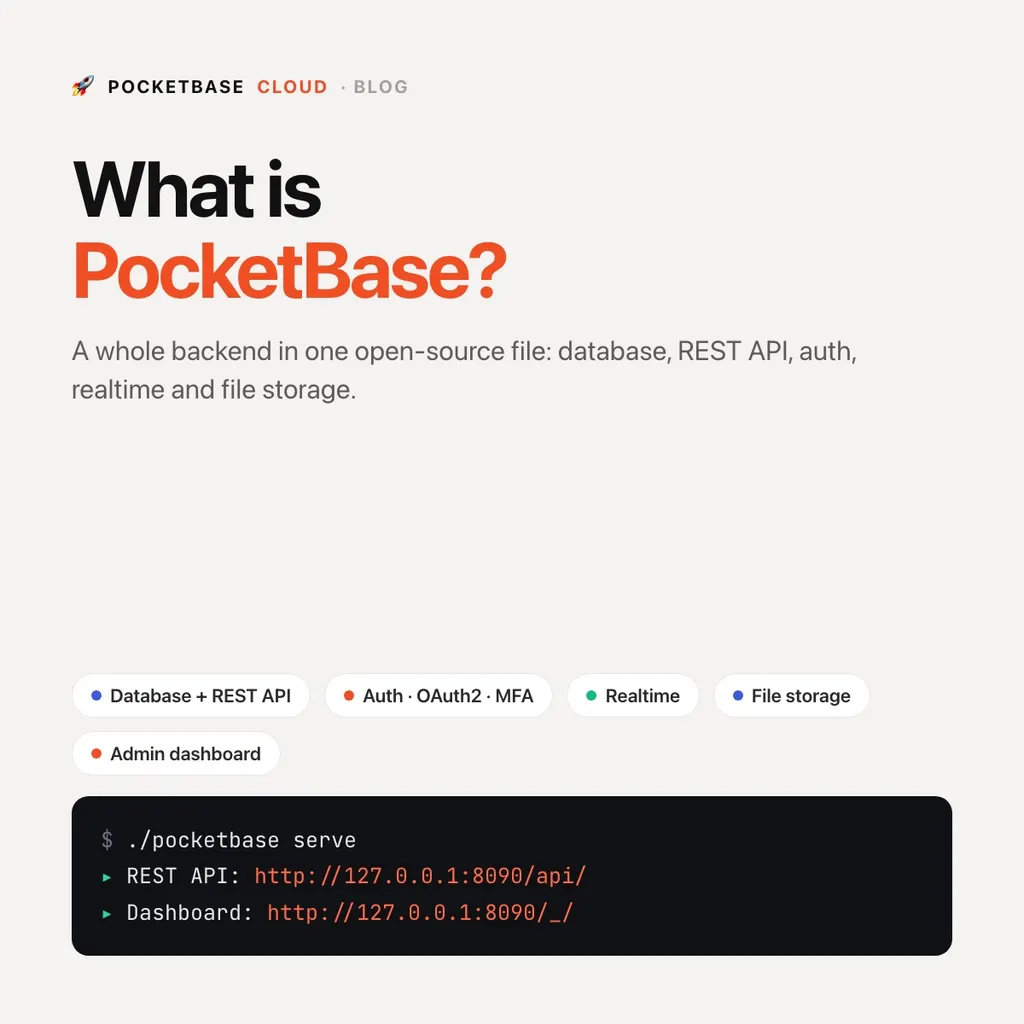
PocketBase is an open-source (MIT) backend packed into a single executable file. Download it (about 12 MB zipped, 33 MB unpacked), run it, and you get a SQLite database, a REST API, user authentication, realtime subscriptions, file storage, and an admin dashboard, with zero configuration.
In one line: PocketBase is a whole backend in one file, a good fit for read-heavy apps that run on one server.
| Fact | Value |
|---|---|
| License | MIT, free to self-host |
| Written in | Go; extend with JavaScript hooks or Go |
| Database | SQLite, embedded in the same process |
| Official SDKs | JavaScript and Dart |
| Latest release | v0.40.x as of October 2026, still pre-1.0 |
| Main limit | One server; writes run one at a time |
./pocketbase serve
# Server started at http://127.0.0.1:8090
That’s the entire setup. No Docker Compose stack, no separate database server, no message broker. If you’ve ever lost an afternoon wiring Postgres, an auth service, and a storage bucket together just to prototype an idea, PocketBase is the antidote.
What’s in the box
Database with an admin UI
PocketBase stores data in SQLite and gives you a clean admin dashboard to define collections (tables), fields, and relations. The schema is strict — unlike NoSQL documents, your data always has a known shape — and migrations are generated automatically as you evolve it.
Because SQLite lives in the same process as the API, there’s no network hop between your app and its database. Reads are extremely fast; a modest server handles thousands of requests per second.
Authentication
Email/password, OAuth2 (Google, GitHub, Apple, and more), one-time passwords,
and multi-factor authentication are built in. Auth is per-collection, so you can have separate
users and admins auth collections with different rules.
import PocketBase from "pocketbase";

const pb = new PocketBase("https://your-app.pocketbasecloud.com");
await pb.collection("users").authWithPassword(email, password);
Realtime subscriptions
Any collection can be subscribed to over Server-Sent Events. Subscriptions respect your permission rules automatically, and SSE works through ordinary HTTPS proxies with no special infrastructure:
pb.collection("messages").subscribe("*", (e) => {
  console.log(e.action, e.record);
});
Despite its lightweight design, this scales well: a single instance on 2 CPU cores and 4 GB RAM comfortably handles 1,000+ concurrent realtime connections.
File storage
File and image fields attach directly to records, with on-the-fly thumbnail generation. Files are stored on local disk by default, or on any S3-compatible storage (AWS S3, Cloudflare R2, Backblaze B2) with a settings toggle.
Permissions via API rules
Instead of writing middleware, you attach short filter expressions to each collection operation:
@request.auth.id != "" && author = @request.auth.idThat one line means “only logged-in users can touch this, and only their own records.” Rules live next to the schema in the admin UI, readable at a glance.
Server-side logic with hooks
PocketBase embeds a JavaScript VM. Drop a .pb.js file next to the binary to
add custom routes, react to record changes, or run cron jobs:
onRecordCreateRequest((e) => {
  // validate or enrich the record before it's saved
  e.record.set("status", "pending");
  e.next();
}, "orders");
For heavier customization, PocketBase can also be used as a Go framework and compiled into your own binary.
What PocketBase is not
Honesty matters when picking infrastructure:
- It scales vertically, not horizontally. One instance, one server — you scale by getting a bigger machine. For the vast majority of apps this is more than enough, and far simpler to operate.
- Writes are serialized. SQLite processes one write at a time. Read-heavy CRUD apps (which is most apps) never notice; genuinely write-heavy, high-concurrency workloads are better served by a client-server database.
- It’s pre-1.0. As of October 2026 the latest release is v0.40.x. The core has been stable for years, but breaking changes between minor versions do happen, so pin your version and read the release notes before upgrading.
Who uses it, and for what
PocketBase shines for:
- MVPs and side projects — a full backend running in under a minute
- Mobile app backends — official JavaScript and Dart SDKs
- SaaS dashboards and internal tools — auth + CRUD + permissions is 90% of the work, and PocketBase gives you all three
- Client work — each project is one binary and one folder to back up
Running PocketBase in production
The binary is simple; production still has chores: provisioning a server, HTTPS certificates, backups, monitoring, restarts on failure. You can do all of that yourself, or let PocketBase Cloud handle it. A managed instance is live in under a minute with automatic HTTPS, monitoring, and log streaming. Starter and Pro add continuous backup with 7 days of point-in-time restore, and there’s a free plan to start.
Either way, you’re running the exact same open-source binary you develop
against locally, with no lock-in. A standard PocketBase backup from
Settings → Backups holds your whole pb_data folder, and restores onto
any PocketBase.
TL;DR
PocketBase is the simplest serious backend available today: one file, one process, batteries included. If your app is read-heavy CRUD with auth, realtime, and files — and most apps are — it does the job of an entire services stack with a fraction of the moving parts.