Start from a working app: PocketBase Cloud templates
Start from a working app: PocketBase Cloud templates
Every new project starts with the same hour of wiring: scaffold a frontend, stand up a database, connect the two, and get one form saving a record before you write anything that is actually your app. None of that is the interesting part, and all of it is easy to get subtly wrong.
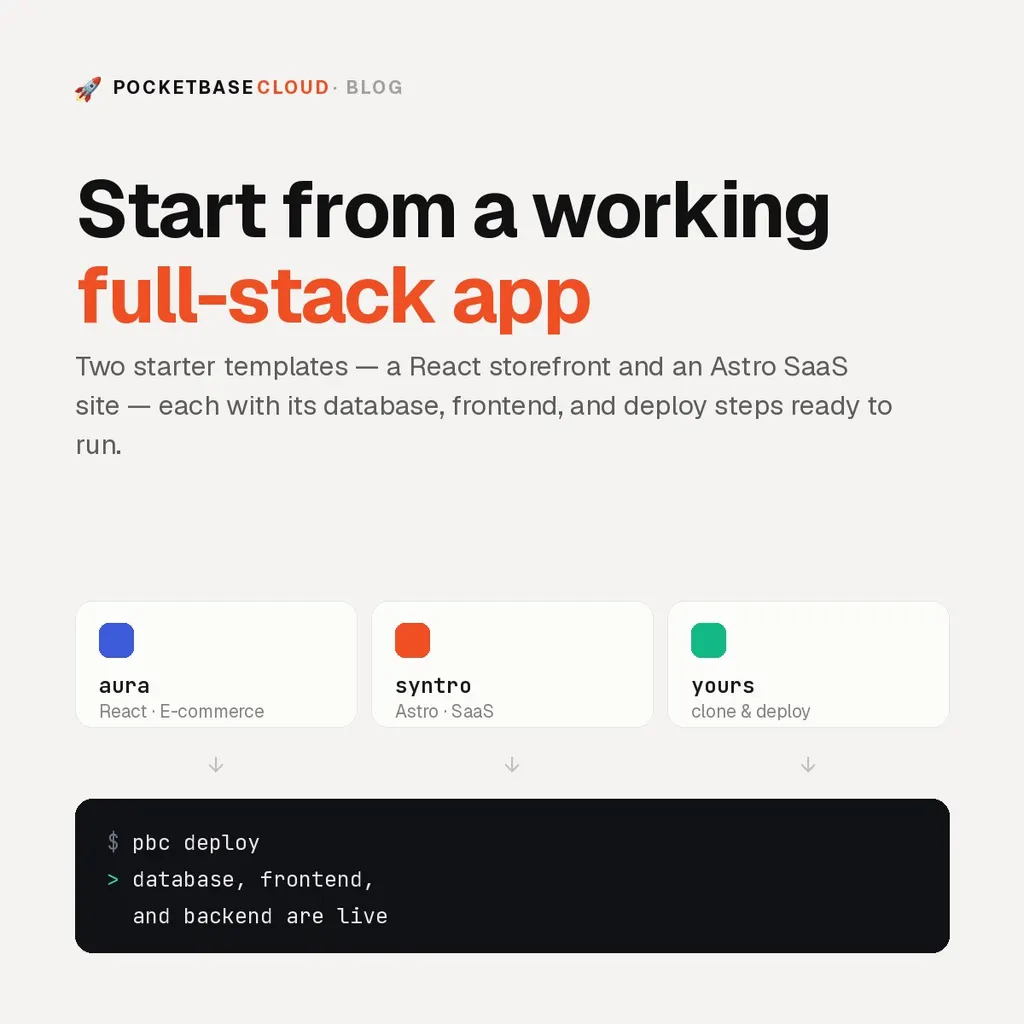
So the repo now has a Templates page. Each template is a full app
you can clone — not a blank starter with a framework logo and an empty src/.
The schema, the frontend, and the deploy steps are already there.
What’s on the page
Aura is a React storefront: a product catalogue, product pages, a cart and a
checkout, and a journal. Behind /admin sits a dashboard for products, journal
articles, and orders, with image uploads and a rich-text editor. It runs on
bundled demo data out of the box, so it opens and looks finished before any
backend exists — then a setup wizard points it at your own PocketBase instance,
imports the collections, and seeds the sample catalogue.
Syntro is an Astro landing page for a SaaS product: hero, feature sections, a pricing table with a monthly/annual toggle, testimonials, and an FAQ. It puts a PocketBase backend behind that design — newsletter sign-ups and the contact form write to collections only a superuser can read, and the changelog loads published entries in the browser, so writing one in the dashboard publishes it without a redeploy.
Deploying one
The pattern is the same for both. Clone the repo, deploy the database, then the frontend with its URL baked into the build — the first deploy asks which project to use:
git clone https://github.com/everlasting18/syntro-astro
cd syntro-astro

cd Pocketbase-Cloud
pbc pocketbase deploy --new syntro-pocketbase
pbc pocketbase info --name syntro-pocketbase   # instance URL + superuser login

cd ../Syntro
PUBLIC_POCKETBASE_URL=<your instance URL> pbc frontend deploy --new syntro
That is the whole deploy. The migrations create the collections and their API rules when the instance first starts, and the frontend is a static build. The template page walks through it with the URLs and the superuser login, and shows how a schema change is added later.
What they are, and what they aren’t
A template is a starting point, not a product. You own the clone, so edit anything. Each carries its author’s license — Aura is Apache-2.0, Syntro is GPL-3.0 — and its design choices (a cart, an Alpine-driven mobile menu, a pricing toggle) are yours to keep or replace.
They are also honest about their scope. Aura’s demo mode means a fresh clone looks complete before it is connected to anything, which is nice for a preview and easy to mistake for a working backend. Syntro’s login and sign-up pages are design only, waiting to be wired to PocketBase auth.
Both run on PocketBase Cloud like any other app. The Free plan runs one instance at no cost, and Pro is a flat $25 for as many instances, frontends, and backends as you want to put on one compute.
Next steps
- Browse the templates and open the live demos.
- New here? Install the CLI and create your first project.
- Not sure what you are deploying to? What is PocketBase?