How to Deploy a Flask, Django, or FastAPI App
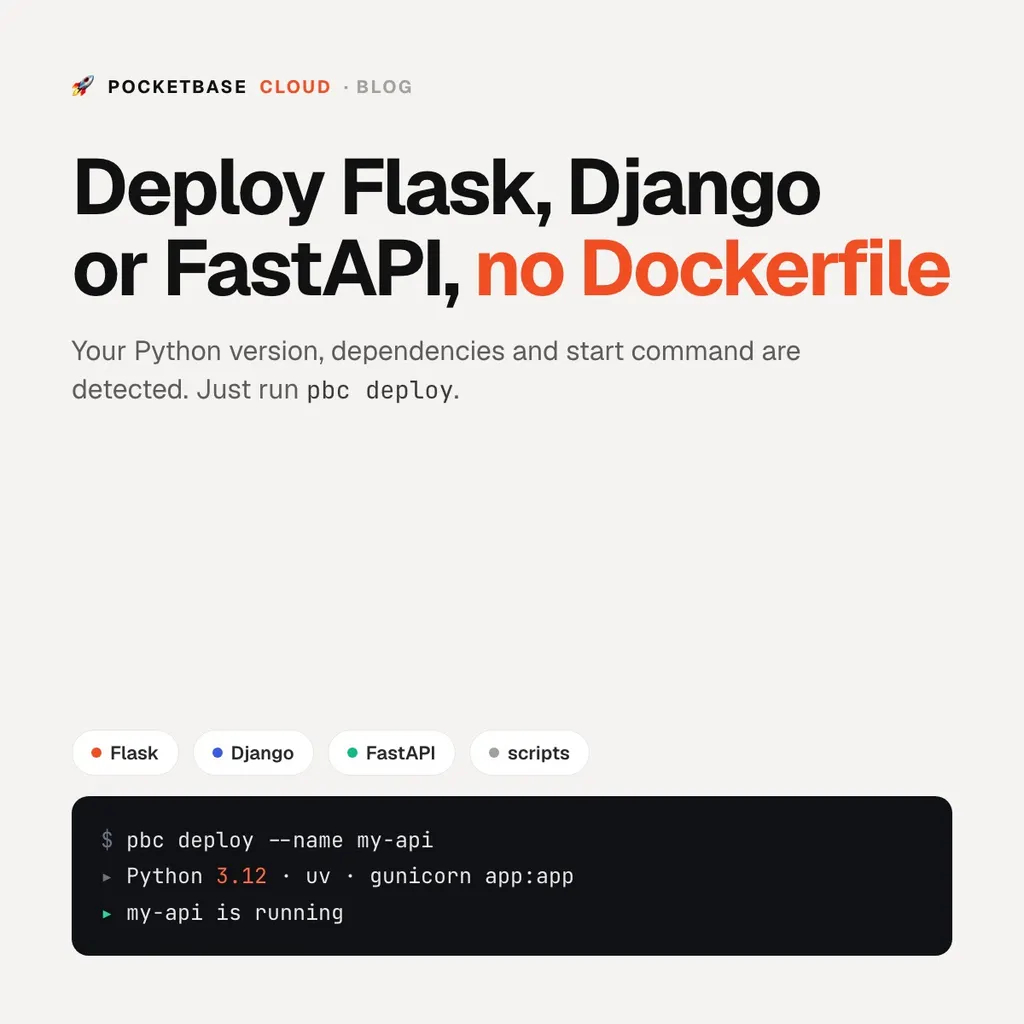
How to Deploy a Flask, Django, or FastAPI App
You can now deploy Python backends on PocketBase Cloud. Point pbc deploy
at a Flask, Django, or FastAPI project, or at a plain script, and it goes live
on its own HTTPS address, with its logs one click away.
You don’t need a Dockerfile, a start command, or a “which Python” setting.
The whole thing
cd my-flask-app
pbc deploy --name my-api
That’s it. When the status turns running, the app answers at
https://my-api.pocketbasecloud.com.
What it figures out for you
When you deploy, PocketBase Cloud reads your project and makes the three decisions you’d otherwise write into a Dockerfile:
How to start it. A Flask app runs under gunicorn if you list it, and on
flask run if you don’t. A Django project runs gunicorn on your wsgi.py. A
FastAPI app runs on uvicorn. Streamlit, Gradio, Dash, Litestar, Quart, Sanic,
Bottle, Falcon, and Celery workers each start the way they’re meant to. A
script with no framework runs as python main.py. If you already have a
Procfile, its web: line wins.
Which Python. Your .python-version, runtime.txt, requires-python, or
Pipfile decides, checked again on every deploy. Python 3.10 to 3.14 are
supported, and you get 3.12 if nothing is pinned.
How to install dependencies. It uses the tool your project already uses:
uv, Poetry, pipenv, or pip with requirements.txt. Dev dependencies stay out.
If your start command needs uvicorn and you forgot to list it, it gets
installed anyway.
What it won’t do
I’d rather you hear the limits from me than find them in a failed deploy:
- No Python 2, nothing older than 3.10. A project pinned to one fails to deploy with a message naming the file to change. It isn’t quietly run on a newer Python that then breaks on import.
- 1 GB of memory per backend. That’s plenty for a web app: a Flask or Django worker uses 60–100 MB. It’s not enough to load a large PyTorch model.
- Don’t size workers from the CPU count. The classic
workers = cpu_count() * 2 + 1sees the whole machine, not your share of it, and starts more workers than 1 GB can hold. Use--workers 2. - Backends are on the Pro plan, Python included.
Next to your data
The reason to run your Python backend here rather than on a separate host is the rest of the stack: your PocketBase database, your frontend, and your backend live in one project, on one domain, on one flat monthly price. Reach PocketBase from Python over its URL with the community PocketBase Python SDK or plain HTTP, and keep the credentials in environment variables.
Next steps
- Deploying a Python App: versions, package managers, start commands, and troubleshooting
- How to deploy a Python script and run it on a schedule
- How to host a Node.js or Deno backend
- Pricing