pbc cloud locations: Know Where a Deploy Can Land
pbc cloud locations: Know Where a Deploy Can Land
There was an annoying way to fail a deploy: pick a region from the provider
catalog, type it into --location, and watch the record die with
noServerAvailable seconds later.
The provider sells servers in many more regions than we run our platform
servers in. fsn1 is a perfectly real datacenter — there just isn’t a
PocketBase Cloud server there for your plan. Nothing told you that before you
deployed, because nothing told you anything about which regions were real
choices. The failure only arrived after the fact, in provisioning.
pbc cloud locations closes that gap.
One command answers the question
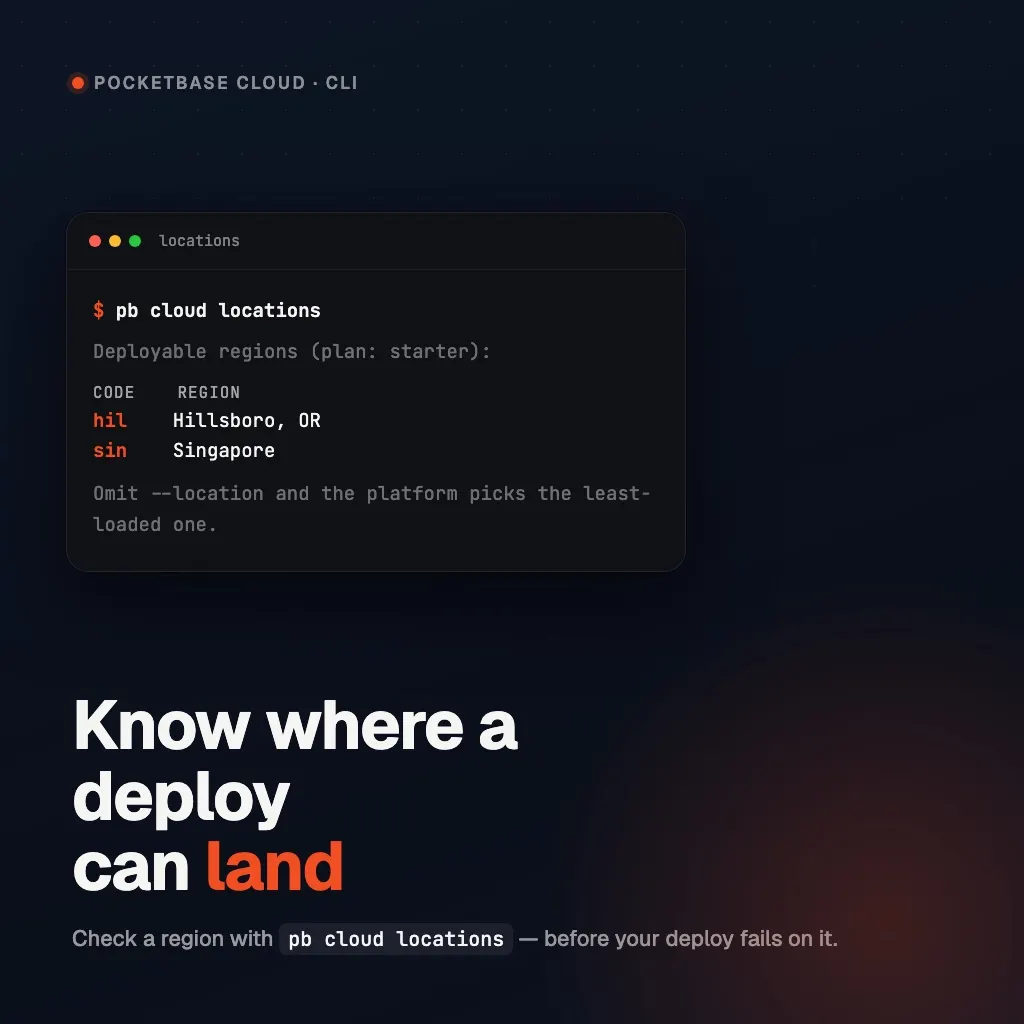
$ pbc cloud locations
Deployable regions (plan: starter):
CODE  REGION
hil   Hillsboro, OR
sin   Singapore
Omit --location and the platform picks the least-loaded one.
The list comes from the platform’s own placement rules — the same filter that
decides where your deploy actually goes — not from the provider catalog. And
the REGION column always names a real place: hil is Hillsboro, OR,
hel1 is Helsinki, vn-sgn is Ho Chi Minh City. A bare code only appears
when the platform genuinely knows nothing about it, which is rare.
The answer depends on whose plan it is
Placement depends on the plan the deployment is billed to, so the command prints that plan right in the header. For your own projects that’s simply your plan.
For a project shared with an organization, it’s the project owner’s plan
— and --project is how you ask about it:
$ pbc cloud locations --project dhs4xnprgplurvo
Deployable regions (plan: pro):
CODE  REGION
hil   Hillsboro, OR
sin   Singapore
Without --project, the answer is about you — which also means the command
works before you’ve created any project at all, at the moment you’re choosing
a --location for the first one.
Scripts get the raw contract
--json prints exactly what the API answers, no table involved:
$ pbc cloud locations --json
{"ownerPlan":"starter","locations":["hil","sin"]}
That’s the shape for CI: read locations, pick one (or none — omitting
--location is always valid and lets the platform choose the least-loaded
server).
–location now checks itself
The same list guards the flag. pbc cloud pb create --location fsn1 — or
pbc cloud frontend deploy --location fsn1 — fails before anything is
created:
--location "fsn1" is not available. Regions with platform servers for this
project: hil, sin. Omit --location and the platform picks the least-loaded one.
You get the valid list in the error itself, which is the answer you’d have wanted a minute earlier.
What it isn’t
A few boundaries, so the command doesn’t get asked questions it doesn’t answer:
- It is not the provider catalog. Regions the provider sells but we don’t run servers in are deliberately absent.
- It is not
pbc cloud compute ls. That lists your dedicated compute on Pro. This lists the shared pool’s regions, which is what--locationcontrols. - It cannot promise spare capacity. It lists where servers exist for your plan; the moment-to-moment placement still goes to the least-loaded server, which is the scheduler’s job.
For which regions support which plans, see Available Regions; for the full flag list, see Deploying PocketBase.