Organize Your PocketBase Hooks With Folders and Real Templates
Organize Your PocketBase Hooks With Folders and Real Templates
pb_hooks/ is where your PocketBase instance’s server-side JavaScript lives —
custom routes, record hooks, cron jobs. Until now, it was also a flat pile.
Every file sat directly in pb_hooks/, and the only extensions allowed were
.pb.js, .js, and .json. A lib/ folder to keep a growing set of hooks
readable was refused outright. An HTML email template, a CSS file for a
generated PDF, a Markdown doc — none of it had anywhere to go.
That’s fixed. pb_hooks now takes a much longer list of text formats, and it
takes subdirectories.
What’s different
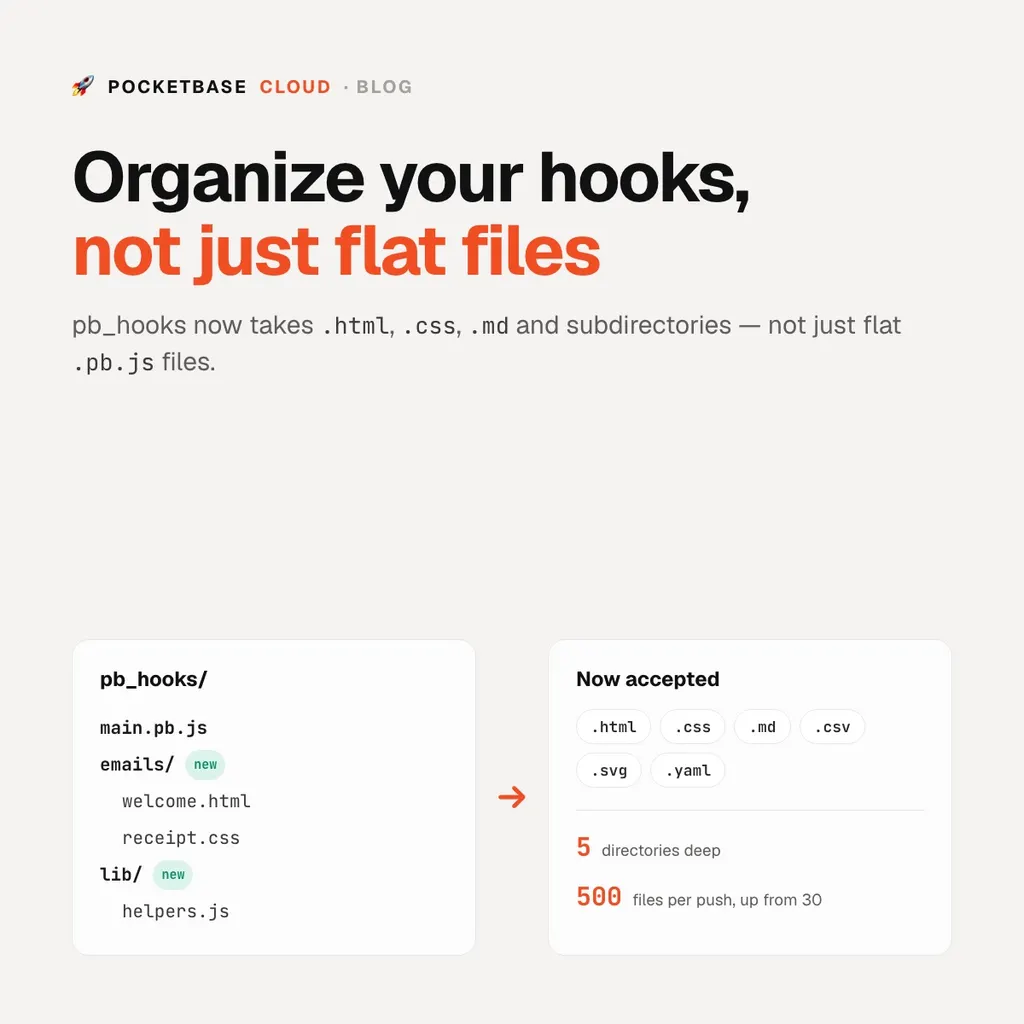
More file types. Alongside .pb.js, .js, .mjs, .cjs, and .json,
you can now push .html, .htm, .css, .txt, .md, .csv, .xml,
.svg, .yml, and .yaml. PocketBase’s own hook loader still only executes
*.pb.js — everything else is there for your hook code to read, the same way
a plain .js helper module always was.
Subdirectories, up to five levels deep. pb_hooks/emails/welcome.html
uploads and installs at exactly that path now, instead of being silently
skipped or, if you tried it through a full archive deploy, failing the whole
upload.
A higher file-count ceiling. The old limits — 30 files from the CLI, 50 from the platform — are both 500 now, and they’re the same number, so there’s no gap where the CLI refuses a push the portal would have accepted.
Using it
Nothing new to learn — the same three ways of managing hooks just stopped rejecting subdirectories and most extensions:
# push a whole directory, subfolders included
pbc pocketbase hooks push ./pb_hooks --name my-app-db

# a full deploy carries pb_hooks along with pb_migrations and pb_public
cd db
pbc pocketbase deploy
Or create emails/welcome.html directly in the portal’s Hooks editor — the
editor picks HTML syntax highlighting automatically instead of assuming
everything is JavaScript.
A hook can now read its own template instead of inlining a string of HTML in the middle of your route handler:
routerAdd("POST", "/api/signup", (e) => {
  const html = $os.readFile("pb_hooks/emails/welcome.html");

  const message = new MailerMessage({
    from: { address: e.app.settings().meta.senderAddress },
    to: [{ address: e.requestInfo().body.email }],
    subject: "Welcome!",
    html: html,
  });
  e.app.newMailClient().send(message);

  return e.json(200, { ok: true });
});
The trade-off, said out loud
Real binary files — images, PDFs, anything that isn’t text — still aren’t
supported in pb_hooks. The hook content is stored as text, and reading a
PNG as text corrupts it; doing that safely needs a different transport, which
isn’t built yet. That’s what pb_public is for in the meantime: it already
accepts any file type through a full deploy, so images and other assets that
your app serves — as opposed to files your hook code reads — have a home
today.
Try it
Push a nested hook file to an existing instance:
mkdir -p pb_hooks/emails
echo "<p>Hi {{name}}!</p>" > pb_hooks/emails/welcome.html
pbc pocketbase hooks push ./pb_hooks --name my-app-db
pbc pocketbase hooks ls --name my-app-db
For everything else hooks can do — record events, cron jobs, custom routes —
see Extending with Hooks. If you
haven’t deployed a PocketBase instance yet,
Deploying PocketBase covers the
whole pbc pocketbase deploy flow, and
Ship Schema Migrations to a Running Instance
covers the other two directories a deploy carries.