One Step to Deploy from GitHub Actions
One Step to Deploy from GitHub Actions
Until today, wiring PocketBase Cloud into GitHub Actions meant writing about 40 lines of YAML by hand — and getting five separate details right, each one individually documented in the CI/CD reference because each one is easy to miss:
- Redirect the deploy’s
--jsonoutput with>, never pipe it with| tee— in a pipeline$?is the last command’s status, so a piped deploy reports success no matter what actually happened. - Guard the URL with
jq -r '.baseUrl // ("https://" + .domain)'—jqtreatsnullas the identity for+, so an unguarded expression prints the cheerful nonsensehttps://and calls it a green build. - Never print a PocketBase deploy’s JSON.
adminUsernameandadminPasswordare fields on the record. GitHub only masks values it has been told are secret, and a generated password is not one it can guess —cating that JSON anywhere puts a superuser password in the build log, in cleartext, readable by anyone who can see the run. - Set
timeout-minutes, or GitHub’s default lets a wedged deploy run for six hours. - Set
concurrency, or two pushes in quick succession deploy the same resource at the same time.
None of this is exotic — it’s just easy to get one of the five wrong once, and expensive when you do. So today: an official action that gets all five right for you, and a command that writes the workflow that uses it.
pbc cloud ci init
Run it in the directory you already deployed from your computer:
$ pbc cloud ci init
Wrote .github/workflows/deploy.yml — deploys this frontend on every push to main.

Two things left, both one-time:
  1. Copy your token: portal → Account → CLI access token → Copy.
  2. Add it as a repository secret named PBC_TOKEN:
     Settings → Secrets and variables → Actions → New repository secret.

Then commit both files:
  git add .github/workflows/deploy.yml pbc.json
  git commit -m "Deploy on push"
It reads the same pbc.json your first deploy wrote, infers the branch you’re
on (--branch to pick another), and writes this:
name: Deploy

on:
  push:
    branches: [main]
  workflow_dispatch:

concurrency:
  group: deploy-production
  cancel-in-progress: false

permissions:
  contents: read

jobs:
  deploy:
    runs-on: ubuntu-latest
    timeout-minutes: 20
    steps:
      - uses: actions/checkout@v4

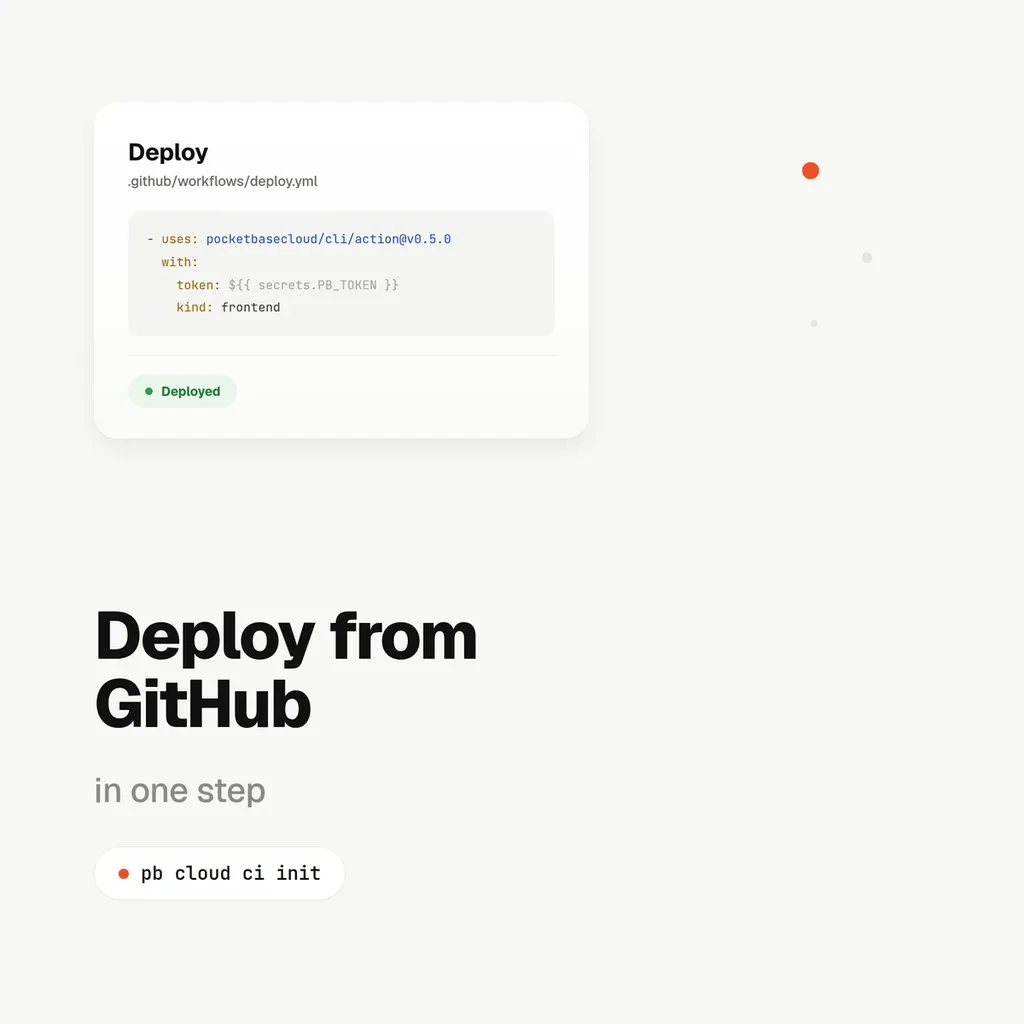
      - uses: pocketbasecloud/cli/[email protected]
        with:
          token: ${{ secrets.PBC_TOKEN }}
          kind: frontend
concurrency and timeout-minutes are in there. So is everything the action
handles that you can no longer get wrong by hand.
What the action actually buys you
pocketbasecloud/cli/action installs a pinned pbc, runs pbc cloud whoami --json before touching anything (so an expired token fails in a second, not
after a five-minute build), deploys with --no-input --json redirected to a
file only the action reads, and then does the part that matters most:
Before it reads a single field out of the deploy record, it registers
adminUsername and adminPassword as masked with GitHub — ::add-mask::,
emitted first. Only six fields ever become step outputs: url, id, name,
status, kind, environment. The record itself is deleted when the job
ends, so no later upload-artifact step can carry it out of the run.
      - uses: pocketbasecloud/cli/[email protected]
        id: deploy
        with:
          token: ${{ secrets.PBC_TOKEN }}
      - run: echo "Live at ${{ steps.deploy.outputs.url }}"
That’s the whole surface you get to depend on. If you need the URL in a later step, that’s it — there is no path through this action where a PocketBase instance’s admin password reaches a log.
Nothing existing breaks
Hand-written workflows that already call pbc cloud frontend deploy (or pb
/ backend) directly keep working exactly as before — this doesn’t change
what the CLI does, only what writes the YAML around it. pbc cloud ci init
refuses to overwrite an existing workflow file unless you pass --force, and
prints it back to you if you run it again by accident.
Full walkthrough: Deploying from GitHub Actions. Every recipe, every exit code, every error message with its fix: the CI/CD reference.