One Deploy Command for Any Directory
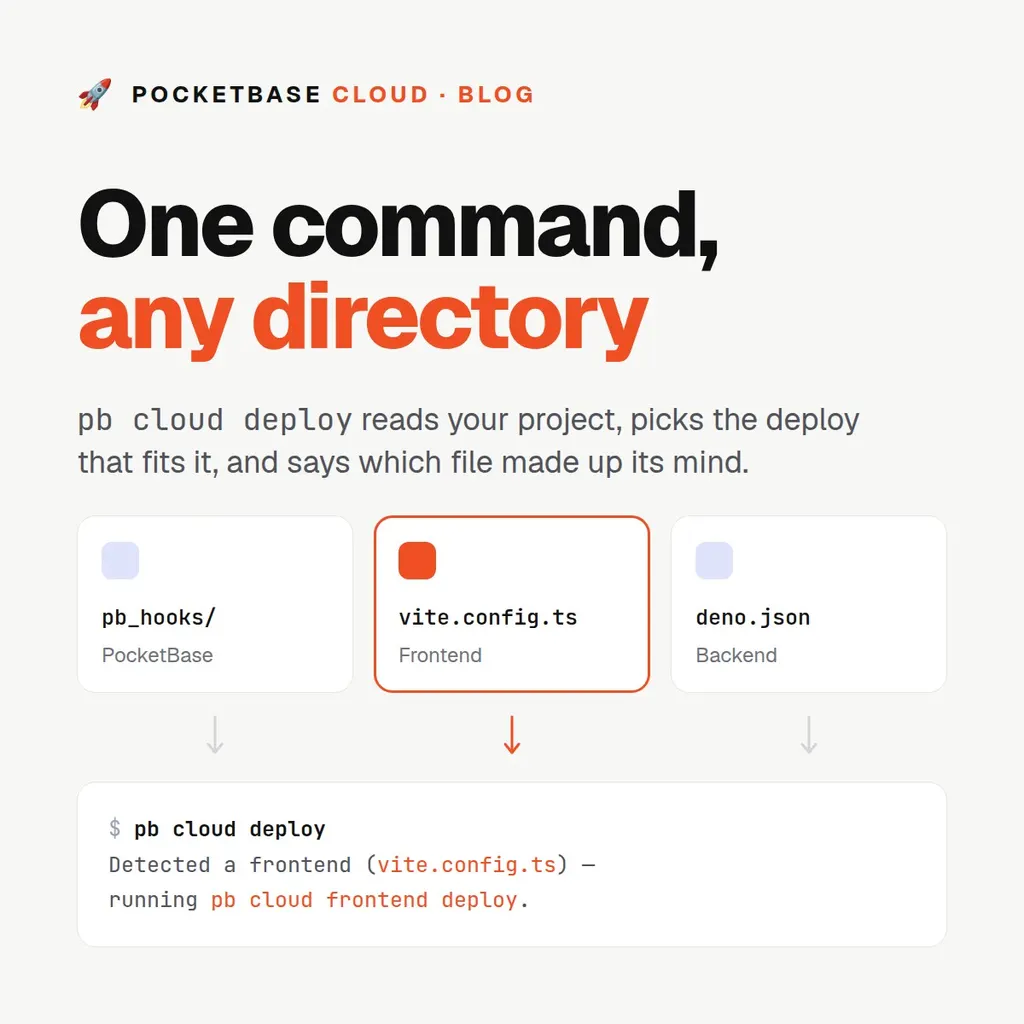
One Deploy Command for Any Directory
Until now the CLI made you say which of three things you were shipping:
pb cloud pb deploy
pb cloud frontend deploy
pb cloud backend deploy
Which is fine, right up until you’re three directories into a monorepo at the
end of a long afternoon and you type frontend in the API folder. The command
fails safely — a directory bound to one kind refuses a deploy of another — but
you still lost the thirty seconds and the train of thought.
The directory already knows the answer. A folder with pb_hooks/ in it is a
PocketBase project. A folder with vite.config.ts builds a static site. A
folder with deno.json runs a server. So now the CLI reads it:
pb cloud deployDetected a frontend (vite.config.ts) — running `pb cloud frontend deploy`.Same deploy, one fewer decision
pb cloud deploy doesn’t deploy anything itself. It picks one of the three
commands you already know and hands over untouched — every flag they take
works here, the steps are identical, the --json object is the same object.
If you like typing the kind, keep typing the kind; nothing about those commands
has changed.
What it adds is a guess, and a guess you can’t check is worse than no guess at all. So the line above names both halves of the decision: the kind it chose, and the file that decided it. If the answer is wrong you can see why it’s wrong at a glance, rather than watching a static site get deployed as a server and working backwards from the failure.
How it decides
In order, first match wins:
| # | What it finds | What it deploys |
|---|---|---|
| 1 | a kind already in pb.json |
whatever is recorded there |
| 2 | pb_hooks/, pb_migrations/, or pb_public/ |
PocketBase |
| 3 | next.config.* with output: "export" |
frontend |
next.config.* with anything else |
backend | |
| 4 | a vite, svelte, or vue config, or angular.json |
frontend |
| 5 | deno.json or deno.jsonc |
backend |
| 6 | a server dependency in package.json — express, fastify, hono, nest… |
backend |
| a bundler dependency — vite, react-scripts, parcel… | frontend | |
failing both, a start script |
backend | |
failing that, a build script alone |
frontend | |
| 7 | index.html, in the directory or in public/, dist/, build/, out/ |
frontend |
A few of those rules are worth explaining, because each exists to stop a specific wrong answer.
Rule 1 outranks everything, and that’s the whole safety story. Once you
have deployed a directory, its pb.json records what the platform holds. No
amount of new files changes that: drop a deno.json into a deployed frontend
and the next pb cloud deploy still redeploys the frontend. Detection only
ever runs on a directory the platform has never seen — a first deploy, a fresh
clone, a teammate’s laptop.
Next.js is the one framework that’s genuinely either. With
output: "export" it produces a folder of files; without it, it needs a
running Node process. Nothing about the directory listing distinguishes the
two, so the CLI reads the config and takes the answer from there — the same
parse pb cloud backend deploy already uses when it makes sure a Next.js
backend builds standalone.
Create React App is why dependencies beat scripts. CRA declares a start
script — a dev server — and “has a start script” is otherwise a good backend
signal. Checked in the other order, every CRA project on the platform would
try to deploy as a server. So a known bundler dependency settles it first, and
the generic start-vs-build rule only decides the cases nothing else claimed.
Two families of framework are deliberately absent from rule 4. Ones that
can render on a server — Nuxt, SvelteKit’s node adapter — because quietly
deploying a server as a pile of static files is a worse failure than asking.
And multi-page generators like Astro and Gatsby, because frontend hosting
serves a single index.html with SPA fallback, and a rule naming them would be
the CLI claiming support the platform doesn’t have. Neither is refused: both
fall through to the generic package.json rules, and the printed reason tells
you which one answered.
When it can’t tell
An empty folder, a Go service, a repo that just doesn’t look like any of the above — the CLI says so, and names your options rather than guessing:
Error: Could not tell what is in /home/tom/src/thing. Deploy it explicitly:
  pb cloud pb deploy         (a PocketBase instance)
  pb cloud frontend deploy   (a static site)
  pb cloud backend deploy    (a Deno/Bun/Node/Next.js server)
Or run `pb cloud init <kind>` once to record it in pb.json.
On a terminal it asks instead. Under --no-input or --json — a CI runner —
it fails with the message above and exit code 2, because a prompt no one can
answer is a build that hangs until the job times out.
You can also skip detection entirely by leading with the kind, which is the short way to deploy something the rules don’t recognise:
pb cloud deploy backend        # deploy as a backend, whatever is in here
pb cloud deploy frontend web   # …and call the new resource "web"
Should you use it in CI?
Yes, with one thing worth knowing. If pb.json is committed — and it should
be — rule 1 fires and there is nothing to detect: the pipeline runs the same
command on every run no matter what the working tree looks like. Without a
committed pb.json, detection reads your repo layout, which means a refactor
could in principle change what a workflow deploys. If you’d rather the
workflow file be the record, name the kind:
- run: pb cloud deploy backend --no-input --json
  working-directory: api
Upgrade with pb self upgrade, or npm i -g @pocketbasecloud/cli. The full
rules live in
Installing the CLI, and the CI
notes in the CI/CD Reference.