Multi-Instance Hosting: Maximize Your Server Resources
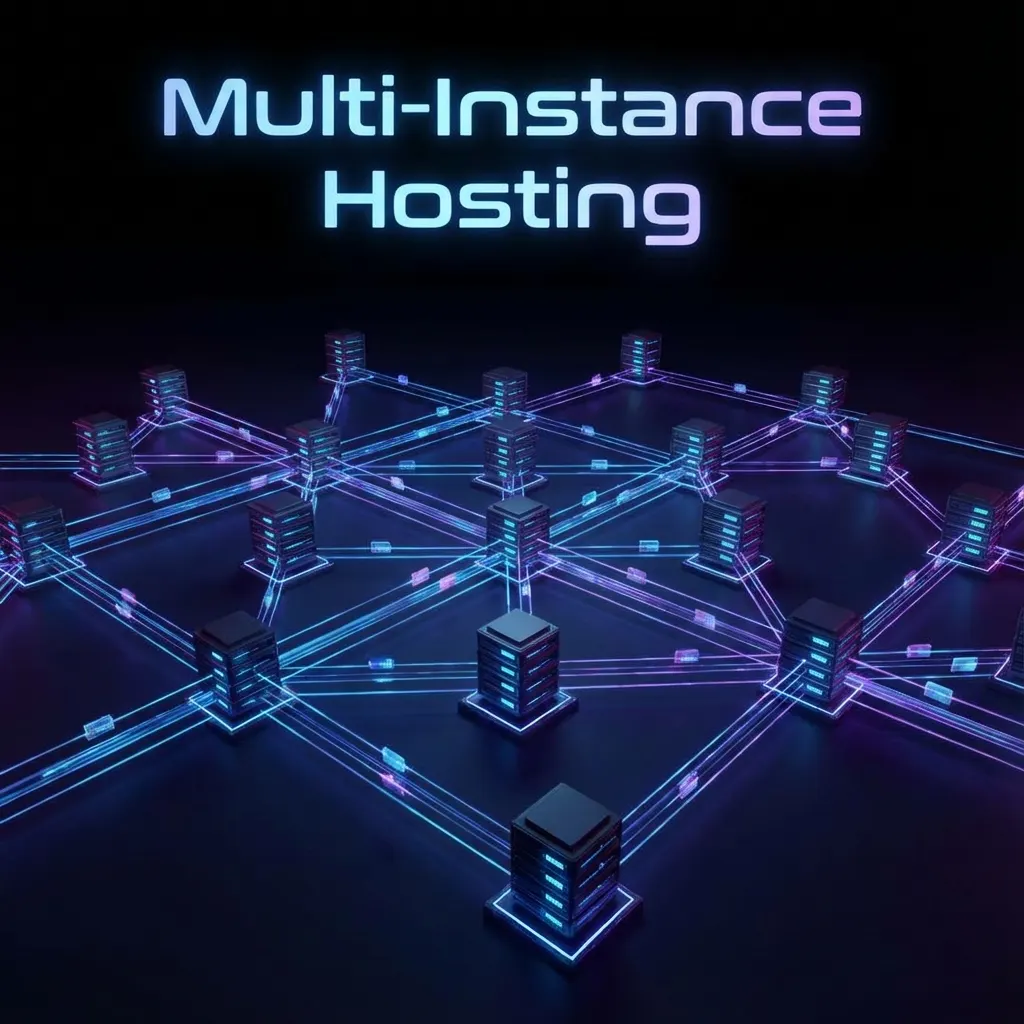
Multi-Instance Hosting Explained
One of the most powerful features of PocketBase Cloud is our multi-instance hosting model. Unlike traditional platforms that charge per application, we let you run as many PocketBase instances as your server can handle for a single flat rate.
The Problem with Traditional Hosting
Most Backend-as-a-Service (BaaS) platforms charge you per project or per database. This pricing model can quickly become expensive as your portfolio grows:
- Firebase: Charges per project with usage-based pricing
- Supabase: Charges per organization/project
- Railway: Charges per service deployed
If you’re building multiple applications or managing client projects, these costs add up fast.
How PocketBase Cloud is Different
With PocketBase Cloud, you pay for the server, not the number of instances. Here’s what that means:
Example Scenario
Let’s say you provision a server with:
- 4GB RAM
- 2 vCPUs
- 80GB SSD Storage
- Cost: $15/month
On this single server, you could run:
- 5-10 small PocketBase instances (personal projects, MVPs)
- 2-3 medium instances (production apps with moderate traffic)
- 1 large instance (high-traffic application)
All for the same $15/month.
How It Works
Resource Allocation
Each PocketBase instance runs as an isolated process on your server. The instances share the server’s resources (CPU, RAM, disk) but remain completely separate from each other.
Server (4GB RAM, 2 vCPUs)
├── Instance 1: Blog App (500MB RAM, 0.2 vCPU)
├── Instance 2: E-commerce (1.5GB RAM, 0.8 vCPU)
├── Instance 3: Portfolio (300MB RAM, 0.1 vCPU)
└── Instance 4: API Service (800MB RAM, 0.4 vCPU)
Automatic Resource Management
PocketBase Cloud automatically manages resource allocation:
- Dynamic scaling: Instances use resources as needed
- Fair sharing: No single instance can monopolize the server
- Monitoring: Real-time metrics show resource usage per instance
- Alerts: Get notified when approaching resource limits
Real-World Use Cases
1. Agency Managing Client Projects
Scenario: A web development agency manages 8 client websites.
Traditional hosting: $8-15 per project = $64-120/month
PocketBase Cloud: 1 server at $15/month
Savings: $49-105/month (76-88% cost reduction)
2. SaaS Founder Building Multiple MVPs
Scenario: An entrepreneur testing 5 different product ideas.
Traditional hosting: $25-50 per app = $125-250/month
PocketBase Cloud: 1 server at $20/month
Savings: $105-230/month (84-92% cost reduction)
3. Developer with Personal Projects
Scenario: A developer running 3 side projects and 2 experimental apps.
Traditional hosting: $10-20 per project = $50-100/month
PocketBase Cloud: 1 server at $10/month
Savings: $40-90/month (80-90% cost reduction)
Best Practices for Multi-Instance Hosting
1. Group Similar Workloads
Organize instances by environment or purpose:
Production Server
├── Client A - Production
├── Client B - Production
└── Client C - Production

Development Server
├── Client A - Staging
├── Client B - Staging
└── Internal Tools
2. Monitor Resource Usage
Keep an eye on your server metrics:
- CPU usage: Should stay below 80% on average
- RAM usage: Leave 20% headroom for spikes
- Disk space: Monitor database growth
- Network: Track bandwidth usage
3. Plan for Growth
Start with a smaller server and scale up as needed:
- Starter: 2GB RAM, 2 vCPUs (3-5 small instances)
- Growth: 4GB RAM, 2 vCPUs (5-10 instances)
- Scale: 8GB RAM, 4 vCPUs (10-20 instances)
4. Use Separate Servers for Critical Apps
For mission-critical applications:
- Dedicate a server to production instances
- Use a separate server for development/staging
- This ensures production performance isn’t affected by testing
Performance Considerations
When to Upgrade Your Server
Upgrade your server when you notice:
- Consistent CPU usage above 80%
- RAM usage regularly exceeding 85%
- Slow response times across instances
- Database query performance degradation
When to Add Another Server
Consider adding a second server when:
- You need geographic distribution (e.g., US + EU servers)
- You want to separate production from development
- A single instance needs dedicated resources
- You’re approaching the practical limit of instances per server
Cost Comparison
Let’s compare the costs for running 10 small applications:
| Platform | Monthly Cost | Notes |
|---|---|---|
| Firebase | $250-500 | $25-50 per project |
| Supabase | $250-500 | $25-50 per project |
| Railway | $200-400 | $20-40 per service |
| PocketBase Cloud | $20-30 | 1 server, unlimited instances |
Technical Details
Isolation and Security
Each instance is isolated:
- Separate databases: Each instance has its own SQLite database
- Independent auth: User authentication is per-instance
- Isolated file storage: Files are stored separately
- Unique domains: Each instance gets its own subdomain
Resource Limits
While there’s no hard limit on instances, practical limits depend on:
- Server size: Larger servers support more instances
- Instance workload: Heavy apps need more resources
- Traffic patterns: High-traffic apps consume more CPU/RAM
- Database size: Large databases use more disk and RAM
Migration Strategy
Moving from per-project pricing to PocketBase Cloud:
- Audit current costs: Calculate what you’re paying now
- Estimate resources: Determine server size needed
- Start small: Begin with a basic server
- Migrate gradually: Move instances one at a time
- Monitor and adjust: Scale server as needed
Conclusion
Multi-instance hosting on PocketBase Cloud offers significant cost savings without compromising on features or performance. By paying for servers instead of individual projects, you can:
- Save 70-90% on hosting costs
- Simplify billing with predictable monthly costs
- Scale efficiently by adding resources when needed
- Experiment freely without worrying about per-project charges
Ready to maximize your server resources? Create your first server and start deploying unlimited instances today.
FAQs
Q: Is there a limit to how many instances I can run?
A: No hard limit, but practical limits depend on your server’s resources and
instance workloads.
Q: Can I move an instance to a different server?
A: Yes, we provide tools to migrate instances between servers.
Q: What happens if I exceed my server’s resources?
A: You’ll receive alerts and can upgrade your server with one click.
Q: Do all instances share the same IP address?
A: Yes, but each instance has a unique subdomain and can have custom domains.