Off the Free cluster in five steps
Off the Free cluster in five steps
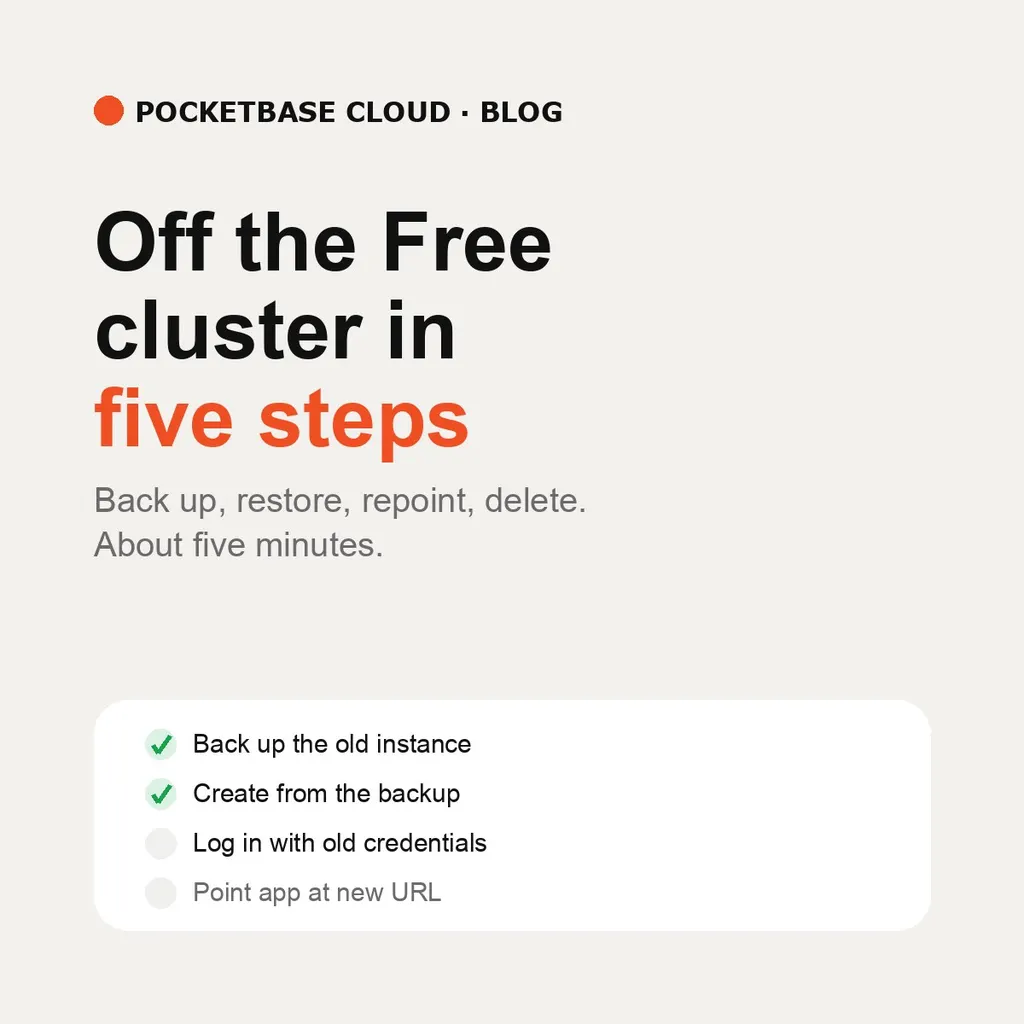
Upgrading to a paid plan doesn’t move your existing instances — they keep serving on the Free cluster until you move them. The platform grants a free slot for exactly this, walks you through it from the /migrate checklist in the portal, and reminds you until it’s done. With restore-at-creation, the move is five steps and about five minutes:
1. Back up the old instance. In its admin panel, Settings → Backups, or from the terminal:
pbc admin settings backup create
pbc admin settings backup download <key> --out backup.zip
2. Create the new instance from that backup. On the create form, switch Admin Credentials & Mode to Restore Backup and upload the file — or in one command:
pbc pocketbase create new-db --backup backup.zipThe backup restores during creation: schema, records, files, and superusers arrive as they were. This is the step that used to be two — create empty, then restore by hand.
3. Log in with the old credentials. The backup carries your accounts
over, so the same superuser email and password work on the new instance.
If you’ve lost them, rotate the managed account afterwards with
pbc pocketbase superuser sync — see Upserting a Superuser
Credential.
4. Point your app at the new URL. API base URL, custom domain, client code — everything that named the old instance now names the new one.
5. Delete the old instance. Its slot returns to your plan. Keep the backup until the new instance is proven.
Nothing is paused and nothing is deleted while you move — the old instance keeps serving until you delete it. Frontends on the Free cluster are listed on the same checklist page: they redeploy in one command and are never touched automatically.