Introducing status.pocketbasecloud.com
Introducing status.pocketbasecloud.com
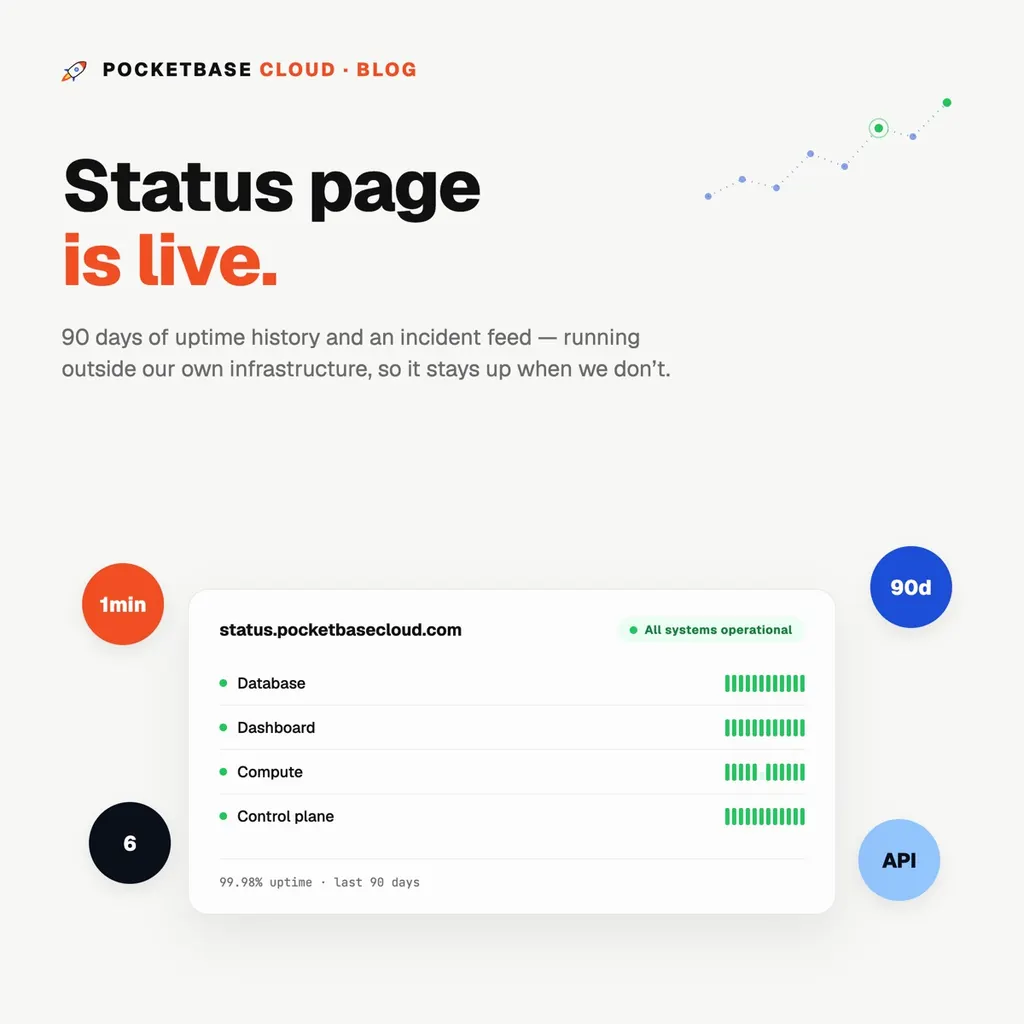
status.pocketbasecloud.com is live: a public status page with 90 days of uptime history and an incident feed for every part of the platform.
There’s an obvious trap in building a status page: if it lives on the same infrastructure it’s reporting on, it goes down with everything else — right when you need it most. So it doesn’t. The page, its data, and the process that probes the platform all run outside PocketBase Cloud entirely, on Cloudflare’s edge. If the database, the portal, or the API is having a bad day, the status page keeps loading and keeps telling you the truth.
What it watches
Six components, each checked the way it’s actually observable:
- Database — the public API’s health endpoint, checked from the outside
- Dashboard — the portal, checked from the outside
- Compute — success rate of metrics collection across every region, worst region wins
- Control plane — whether authenticated reads are working
- DNS — Cloudflare zone health
- Billing — Stripe API reachability
Database and dashboard are deliberately probed from outside our network, not from inside it. A service checking itself over localhost will happily report “up” while the actual path a browser takes — through TLS, through the edge — is broken. That’s the one check we don’t get to grade ourselves on.
No crying wolf
A single bad request doesn’t turn a component red. Every check gets three attempts before it’s counted as failed, and it takes two consecutive bad cycles — a minute apart — before the page shows anything worse than “operational.” Uptime percentages should mean something; a page that flickers red over one dropped packet stops meaning anything.
What you’ll never see here
No server counts, no IPs, no hostnames, no record IDs. The page shows component status and uptime percentages — nothing that describes our infrastructure, only whether it’s working. That’s a deliberate line, not an oversight.
Incidents
When something breaks badly enough to matter, we’ll post it — what’s affected, what we know, and when it’s resolved — right on the same page your uptime history lives on.
Bookmark it, put it in your team’s status-page aggregator, or just check it next time something looks off: status.pocketbasecloud.com