How to Host a Node.js or Deno Backend
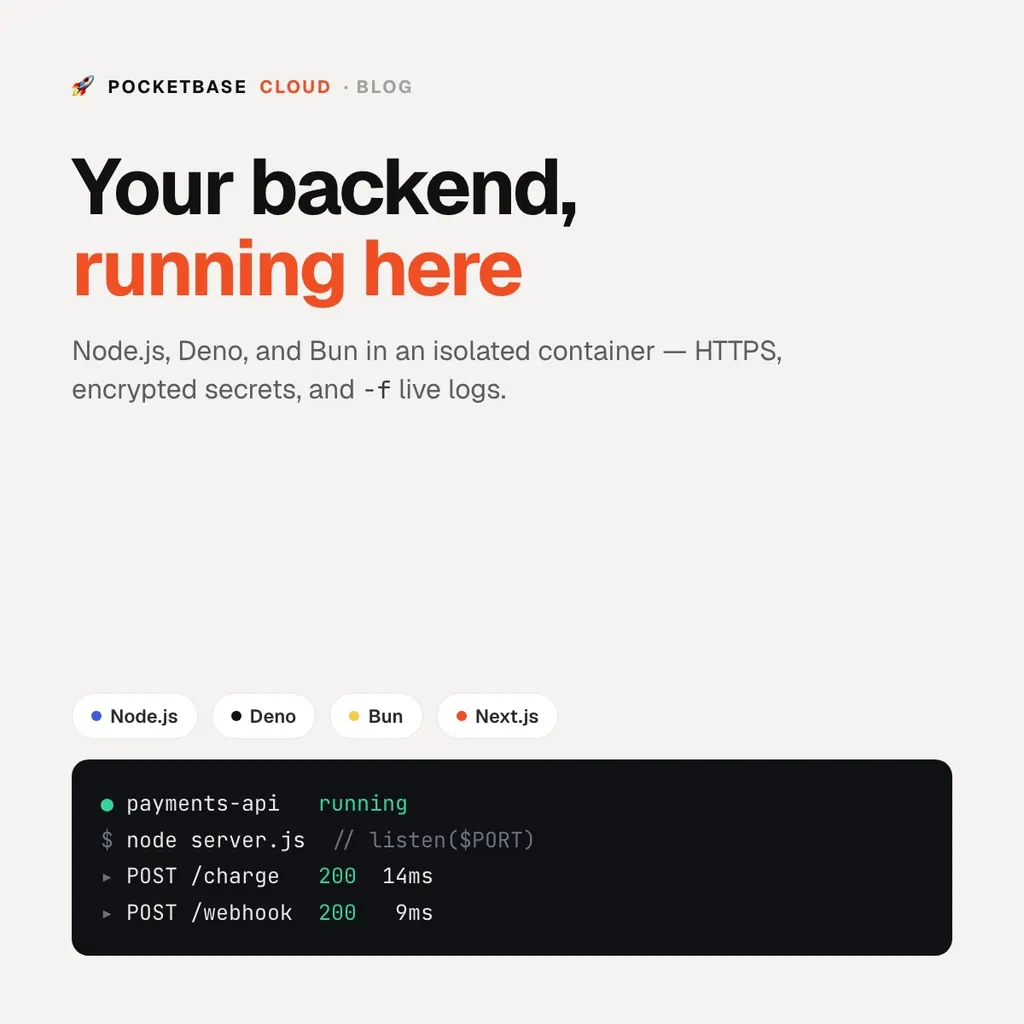
How to Host a Node.js or Deno Backend
Most “backend hosting” questions come down to the same short list: I have a process that listens on a port — a REST API, a webhook receiver, a small worker — and I need it running somewhere with HTTPS, secrets, and logs, without renting and patching a VM.
On PocketBase Cloud a backend is exactly that: your source, running in an isolated container with a dedicated HTTPS subdomain. Node.js, Deno, Bun, and Next.js are supported. Backends require the Pro plan.
Step 1: Listen on $PORT
The platform assigns the port and injects it as PORT. Bind to it — a
hard-coded port is the most common cause of a crash loop.
// Node.js (Express) or Bun
const port = process.env.PORT || 3000;
app.listen(port);
// Deno
Deno.serve({ port: Number(Deno.env.get("PORT")) || 3000 }, handler);Step 2: Deploy
From the backend’s directory:
pbc deploy --name payments-apipbc deploy detects the runtime from the directory — deno.json,
bun.lockb, next.config.*, or a server dependency in package.json — runs
the build, uploads your source (not node_modules), installs dependencies
inside the container, and starts the process. When the status turns
running, it is live at https://payments-api.pocketbasecloud.com.
Prefer the portal? Open the project’s Backends tab, click New Backend,
and drag in your source, package.json, and lockfile.
Step 3: Set secrets
API keys never belong in the repo. Store them as environment variables —
encrypted at rest, injected at startup. The simplest path is a .env next to
your code, which pbc deploy pushes for you; for a one-off change:
pbc env set STRIPE_SECRET_KEY=sk_live_... --target backend --name payments-api
pbc backend deploy --name payments-api   # restart to pick it up
Step 4: Watch the logs
pbc logs backend --name payments-api -fThe backend’s detail page streams the same stdout/stderr in the portal.
Talking to your database
A backend reaches PocketBase over its public URL like any other client, with server-side credentials kept in environment variables:
import PocketBase from "pocketbase";

const pb = new PocketBase(process.env.POCKETBASE_URL);
await pb
  .collection("_superusers")
  .authWithPassword(process.env.PB_ADMIN_EMAIL, process.env.PB_ADMIN_PASSWORD);
Because the backend, the database, and your frontend are on the same platform and the same domain, there are no CORS or certificate problems between them.
Do you even need a separate backend?
A lot of “backend” work — a custom API route, a scheduled job, an email on signup, a call to a third-party API — can run inside PocketBase itself as a JavaScript hook, with nothing extra to deploy. Reach for a standalone backend when you need a specific runtime, a long-running process, or a framework like Next.js.