Every deploy leaves a trail: deployment history on every resource
Every deploy leaves a trail: deployment history on every resource
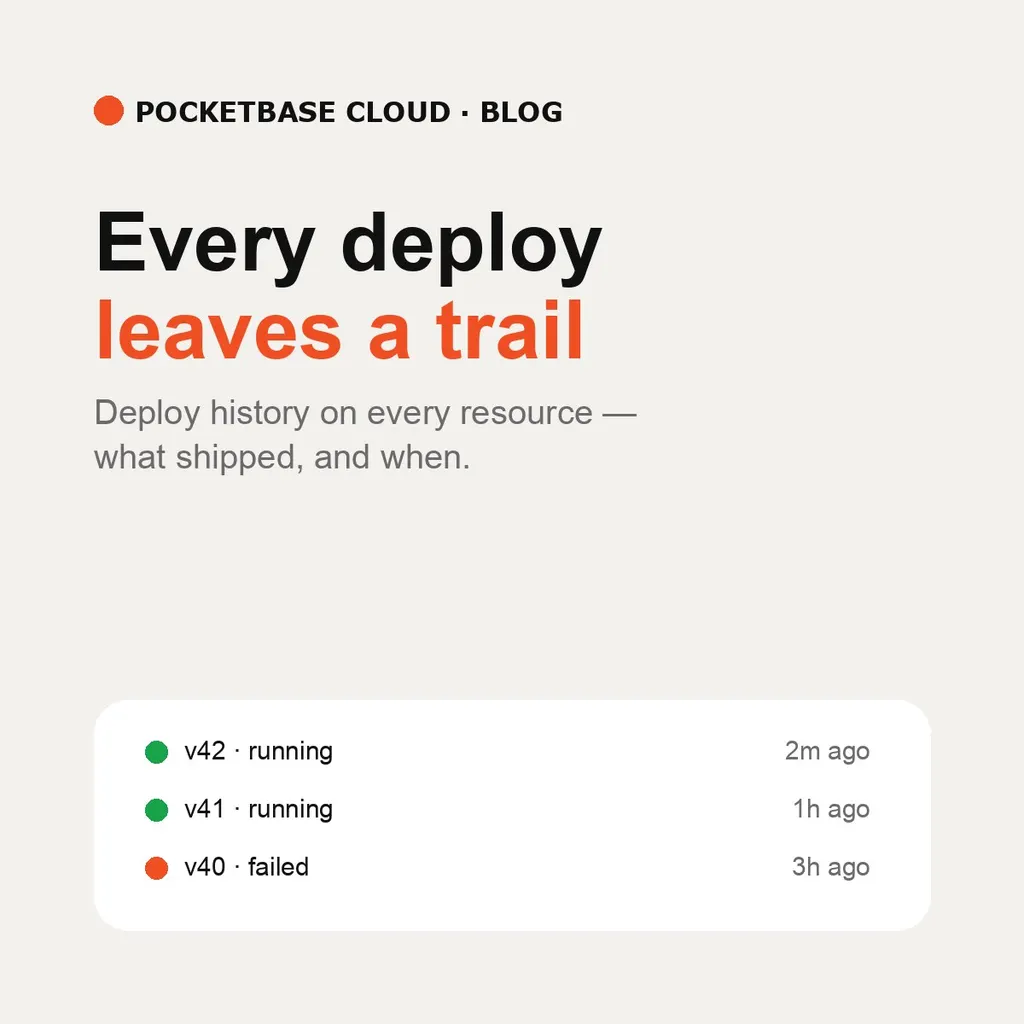
“Did that deploy land?” used to be answered by re-running it. Now every PocketBase instance, frontend, and backend keeps a Deployments list on its own detail page — each entry recording when it shipped, what went up, and whether it succeeded.
The deploy dialog changed with it. Dropping files no longer uploads
blindly: it shows the file list, the archive size, and how many junk files
were stripped (node_modules, .git, .env*, logs) before anything
leaves the browser. For backends it also names the detected runtime and
start command, so the guess is visible rather than surprising.
A ZIP picked through Add files routes to the ZIP path automatically —
no separate upload mode to discover. And when an archive is oversized, the
message reports what was removed as junk and which kept files are the
largest, which is usually the hint needed to add an exclude glob to the
build block in pbc.json.
Deploy from the detail page’s Deploy button — or from the empty state itself when nothing has shipped yet. The first deploy ships with creation, so a brand-new resource already has row one in its history.
The CLI path records the same rows: pbc pocketbase deploy, pbc frontend deploy, and pbc backend deploy all land in the list. Portal or terminal,
the history is the same history.
See Deploying PocketBase, Deploying a Frontend, and Deploying a Backend.