nuxtvuedeploymenttutorialcli
How to Deploy a Nuxt App
September 6, 2026·Tom
How to Deploy a Nuxt App
Nuxt 3 builds two ways, and they host differently:
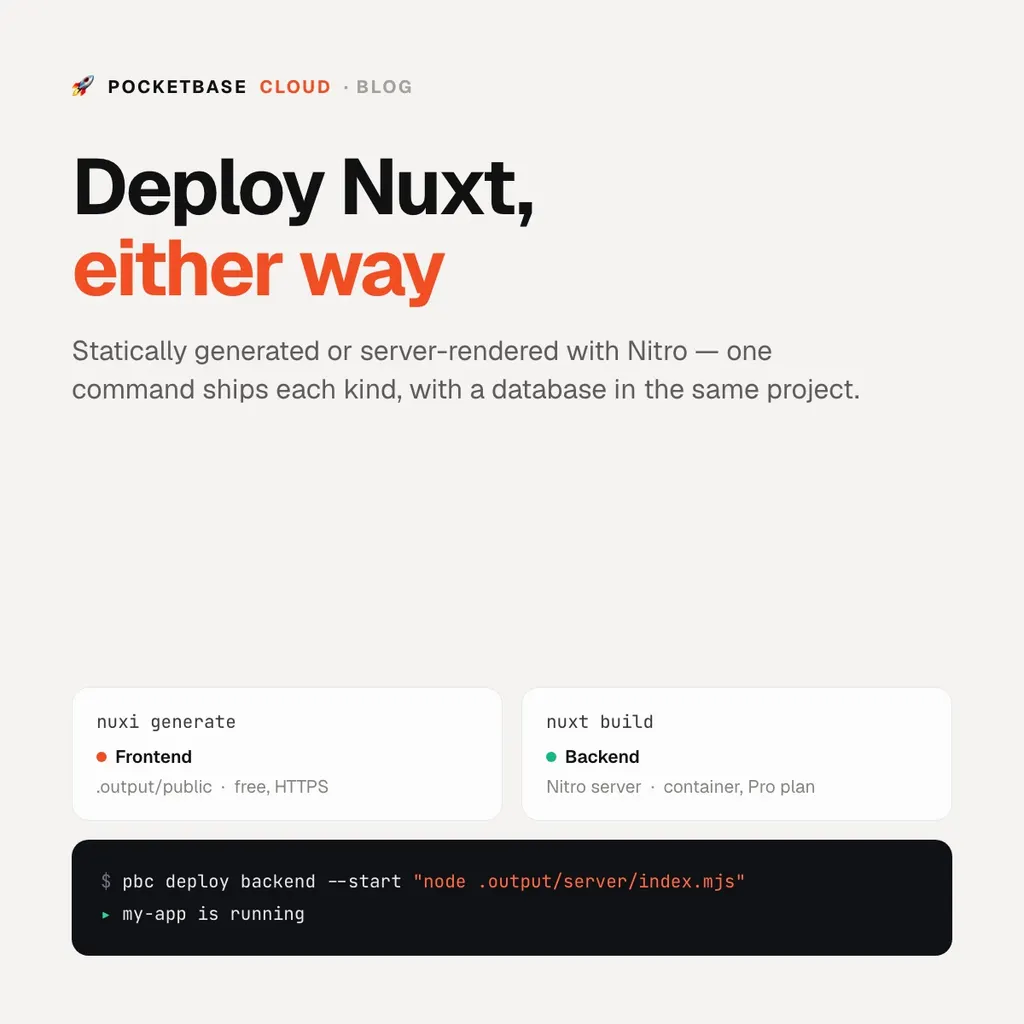
nuxt generate— a prerendered site in.output/public/. That’s a frontend.nuxt build— a Nitro server with SSR and server routes, output to.output/. That’s a backend (Pro plan).
Static: deploy as a frontend
Point pbc.json at Nitro’s static output and let the CLI build and upload:
// pbc.json
{
  "kind": "frontends",
  "build": { "command": "npx nuxi generate", "outputDir": ".output/public" }
}
pbc deploy --name my-siteHTTPS and SPA fallback are handled; frontend hosting is free on every plan.
Server-rendered: deploy as a backend
nuxt build produces a Nitro server you start with
node .output/server/index.mjs. Nitro reads the PORT environment variable,
which PocketBase Cloud sets. Deploy it as a backend:
pbc deploy backend --name my-app --start "node .output/server/index.mjs"// pbc.json
{
"kind": "backends",
"build": {
"command": "npm run build",
"runtime": "nodejs",
"startCommand": "node .output/server/index.mjs"
}
}After the first deploy, redeploys are one command:
pbc deployTalking to a database
Add a PocketBase instance to the same project for auth, data, realtime, and file storage. In a Nuxt plugin:
import PocketBase from 'pocketbase';
export default defineNuxtPlugin(() => {
  const pb = new PocketBase(useRuntimeConfig().public.pocketbaseUrl);
  return { provide: { pb } };
});
Keep any admin credentials in server-side
environment variables, never in
runtimeConfig.public.