How to Deploy a Full-Stack App (Database, Frontend, and Backend)
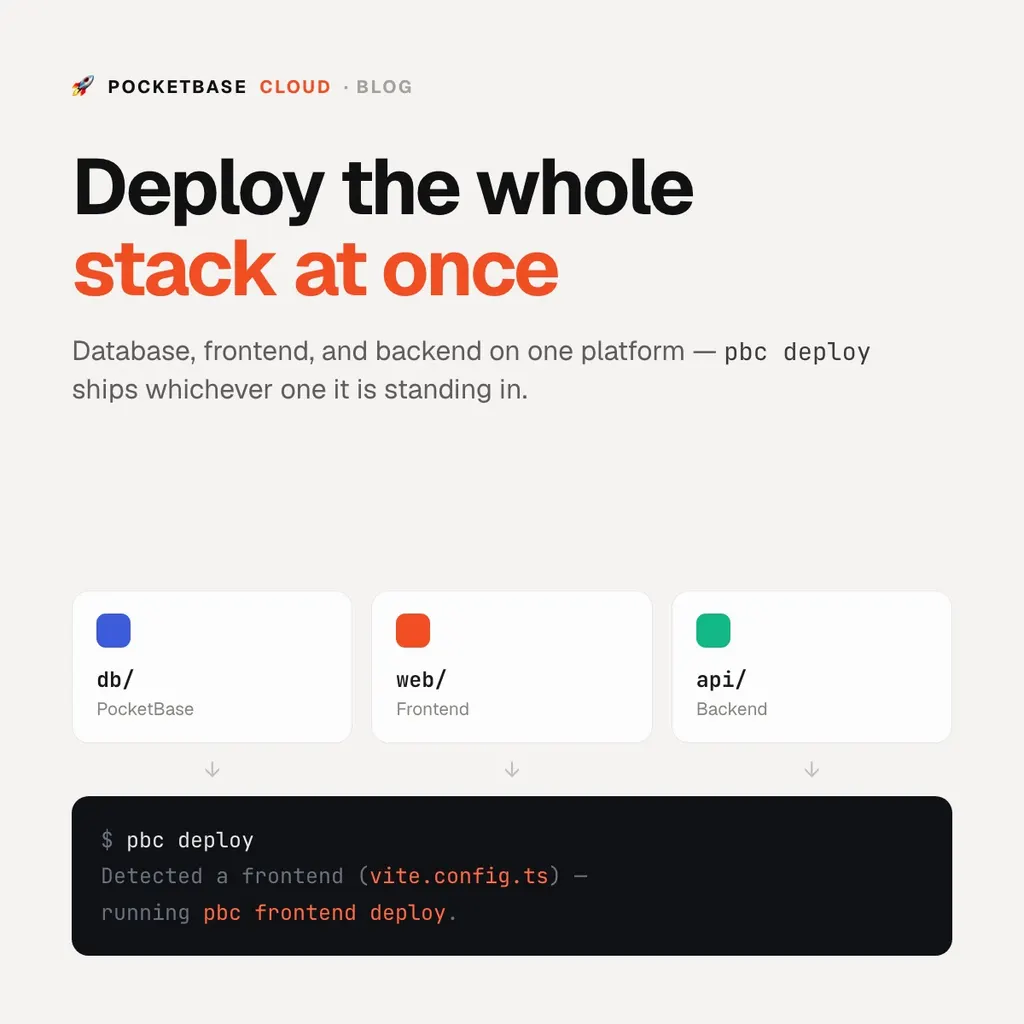
How to Deploy a Full-Stack App
A “full-stack app” usually means three things that have to be hosted, wired together, and kept alive:
- a database with an API in front of it,
- a frontend — the single-page app your users load in a browser,
- sometimes a backend — server-side code for payments, webhooks, or anything that can’t run in the browser.
The traditional way to ship that is three vendors: a database host, a static host or CDN, and a container platform — three dashboards, three bills, three sets of environment variables to keep in sync. This guide does it on one platform instead, with one CLI.
What you need
-
A PocketBase Cloud account (the free plan is enough to follow along; backends need the Pro plan)
-
The
pbcCLI — install it with the script from Installing the CLI:curl -fsSL https://raw.githubusercontent.com/pocketbasecloud/cli/main/scripts/install.sh | sh -
A project with, say, this shape:
my-app/
  db/     # PocketBase schema + hooks
  web/    # Vite + React single-page app
  api/    # a small Node or Deno service
Step 1: Deploy the database
pbc deploy reads the directory it is run in and works out what it is holding —
a folder with pb_hooks/ or pb_migrations/ is a PocketBase instance.
cd db
pbc deploy --name my-app-db
The first deploy asks which project to use — your account already has one from
signup; see Projects to add
another. Your schema, API rules, and hooks ship with it. When it comes up you
get a URL like https://<id>.<compute>.pocketbasecloud.com — copy it; the
frontend needs it at build time.
Step 2: Deploy the frontend
Your PocketBase URL is baked into the bundle at build time, so set it as an environment variable and let the CLI build and upload:
cd ../web
VITE_POCKETBASE_URL=https://<id>.<compute>.pocketbasecloud.com \
  pbc deploy --name my-app-web
The CLI detects the Vite config, runs npm run build, packages dist/, uploads
it, and waits for HTTPS. Client-side routes fall back to index.html, so React
Router and Vue Router keep working. Frontend hosting is included on every plan.
Step 3: Deploy the backend
Backends run in an isolated container on the Pro plan. Your service must listen
on process.env.PORT:
cd ../api
pbc deploy --name my-app-api
The CLI infers the runtime (deno.json, bun.lockb, next.config.*,
package.json), installs dependencies in the container, and starts the process.
Secrets go in environment variables, not
the repo.
Step 4: Redeploy
Each directory records what it is linked to in pbc.json, so from then on:
cd web && pbc deploy    # rebuild + redeploy the frontend
cd ../api && pbc deploy  # redeploy the backend
Wire that into GitHub Actions with
pbc ci init and every push to
main ships.
Why one platform
- One bill. Flat monthly price — the database, the frontend, and the backend are the same compute, not three metered services. See Plans & Billing.
- One set of URLs. Frontend and backend are served over HTTPS on the same domain as the database, so there are no CORS or mixed-content surprises.
- No lock-in. The database is a stock PocketBase directory you can download and run anywhere.